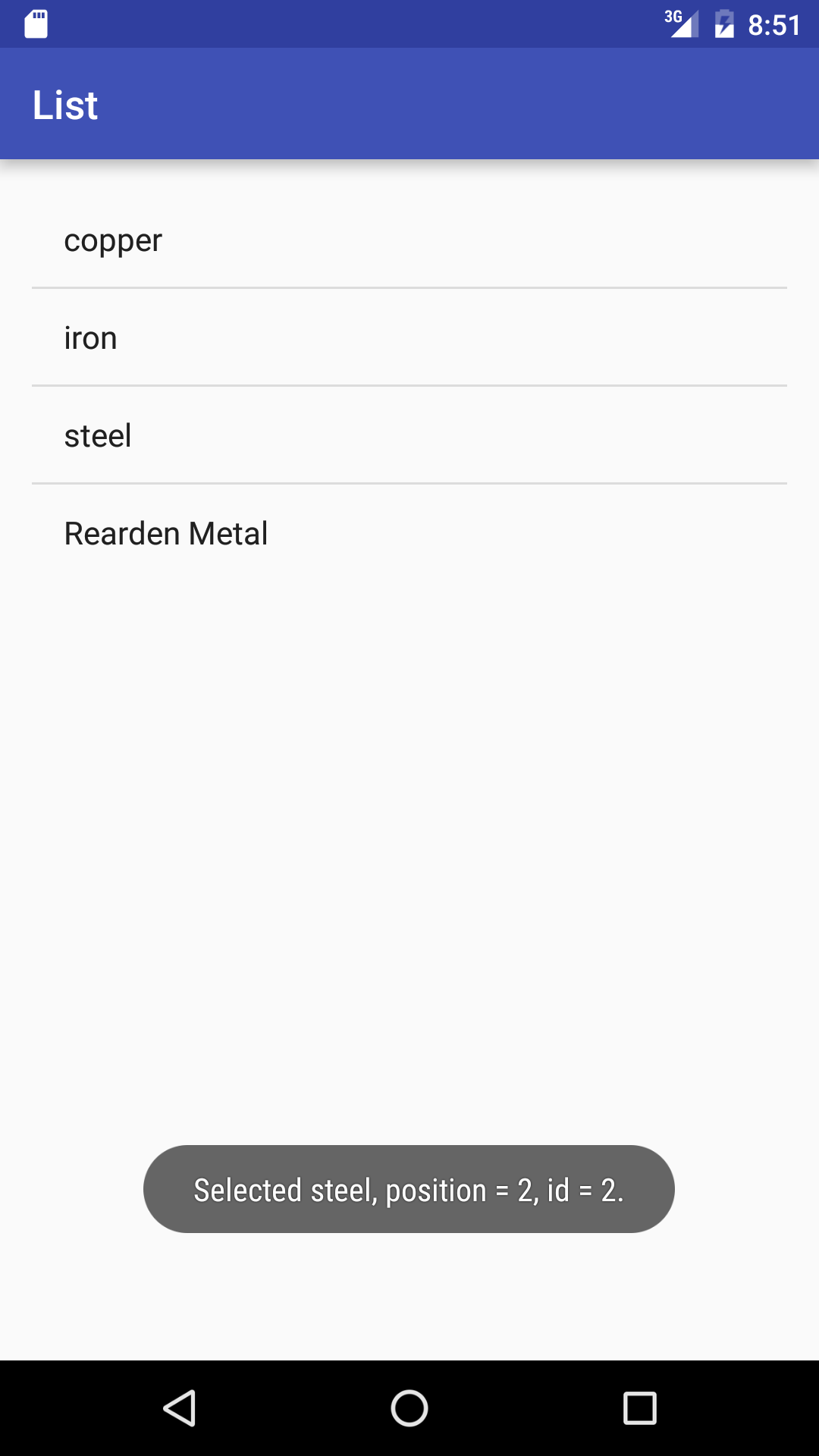
Select a metal to pop up a piece of
Toast.
An
ArrayAdapter
is an example of an
Adapter.
A
ListView
is an example of an
AdapterView;
see
List
View.
There’s a special subclass of class
Activity
called
ListActivity
that automatically creates a
ListView
without having to call
setContentView.
A
ListActivity
also automatically listens for items being clicked on.
But a
ListActivity
does not display a
action
bar,
so I decided not to use it.
I stuck with our customary
ActionBarActivity.
onItemClick
has two different ways to get the string in the item that was clicked on.
I commented out one of them.
-
MainActivity.java
plugs an
ArrayAdapter<String>
and an
AdapterView.OnItemClickListener
into a
ListView.
-
R.java
-
activity_main.xml:
a
RelativeLayout
fills the screen, and a
ListView
fills the
RelativeLayout.
-
styles.xml
-
AndroidManifest.xml
-
build.gradle
(Module: app).
A line of a
ListView
is displayed as the
TextView
in the following file
~/Library/Android/sdk/platforms/android-24/data/res/layout/simple_list_item_1.xml
(shown without its copyright notice and
<?xml>
tag).
The id number of this file is
android.R.layout.simple_list_item_1.
A question mark refers to an attribute of the current
theme.
See
Referencing
style attributes.
<TextView xmlns:android="http://schemas.android.com/apk/res/android"
    android:id="@android:id/text1"
    android:layout_width="match_parent"
    android:layout_height="wrap_content"
    android:textAppearance="?android:attr/textAppearanceListItemSmall"
    android:gravity="center_vertical"
    android:paddingStart="?android:attr/listPreferredItemPaddingStart"
    android:paddingEnd="?android:attr/listPreferredItemPaddingEnd"
    android:minHeight="?android:attr/listPreferredItemHeightSmall"
/>
-
Views → Lists → 01. Array
500 types of cheese
-
ApiDemos/src/com/example/android/apis/view/List1.java
A
ListActivity
plugs an
ArrayAdapter<String>
into the
ListActivity.
-
ApiDemos/src/com/example/android/apis/view/Cheeses.java
A class containing a static field that is an array of
Strings.
-
Views → Lists → 04. ListAdapter
A list whose items are vertical
LinearLayouts
-
ApiDemos/src/com/example/android/apis/view/List4.java
A
List4.SpeechListAdapter
is a
BaseAdapter
that creates
Views
that are
LinearLayouts.
-
ApiDemos/src/com/example/android/apis/Shakespeare.java
A class containing two static fields,
TITLES
and
DIALOGUE,
that are arrays of
Strings.
Things to try
-
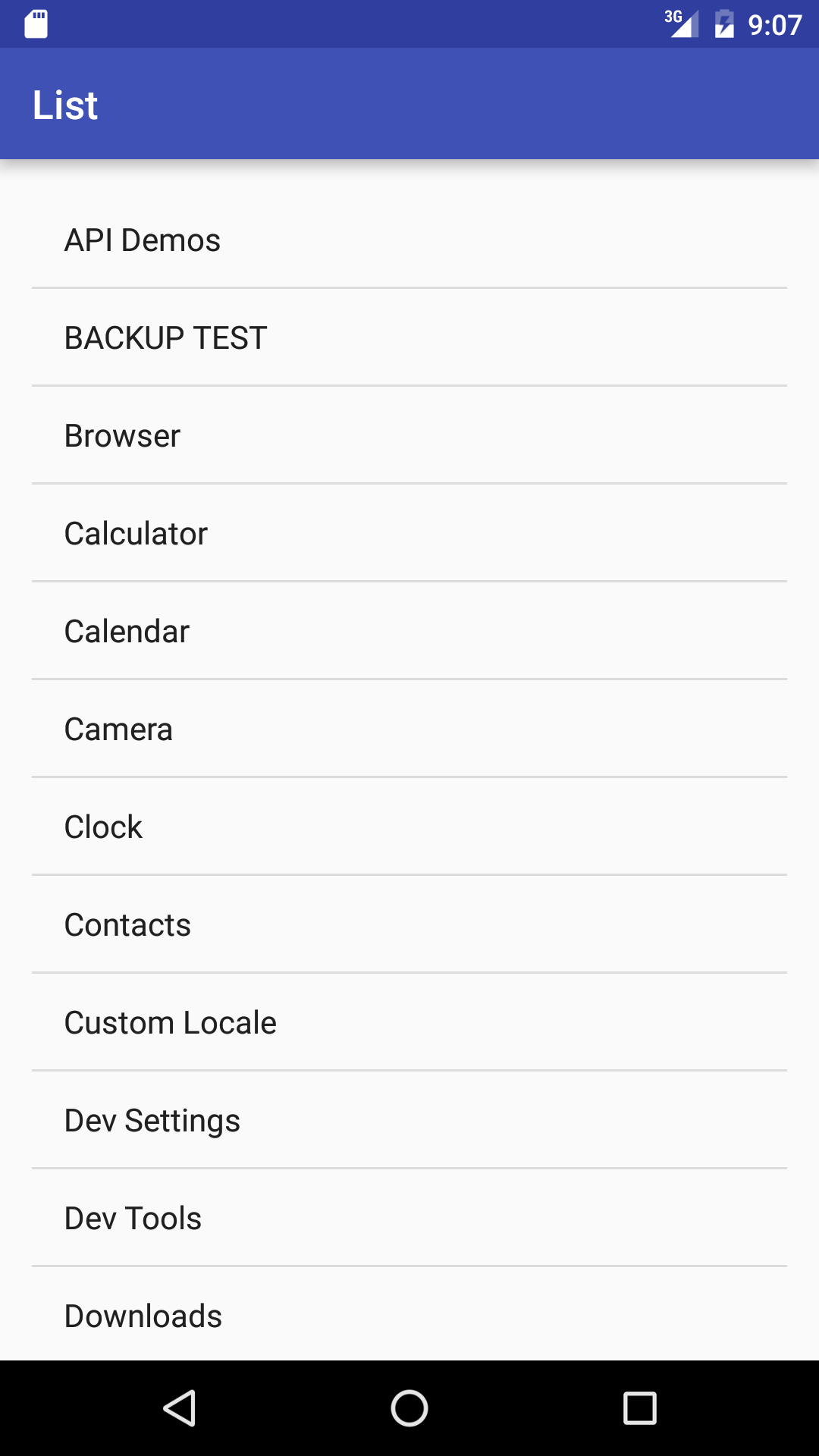
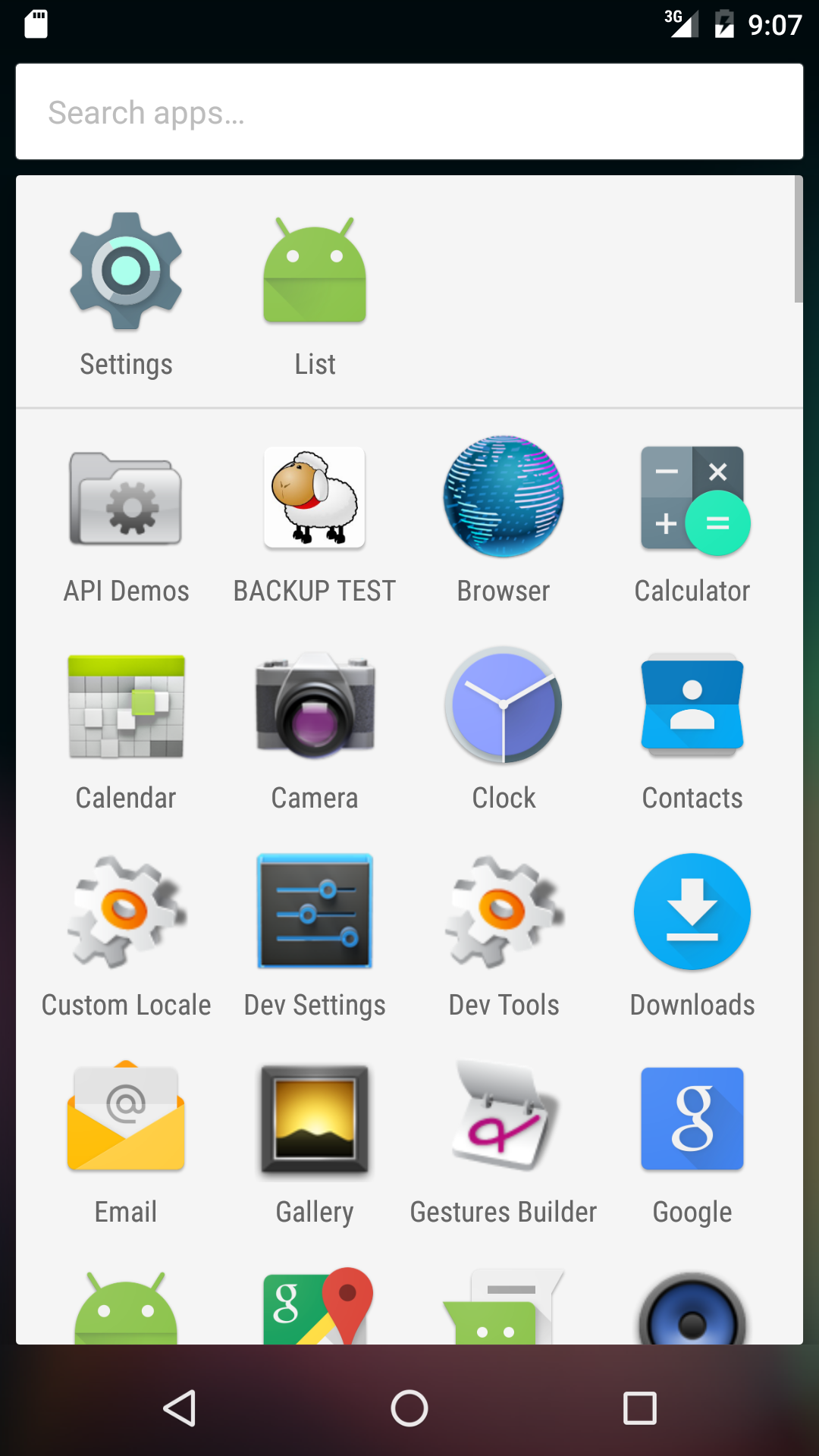
List all the activities in the launcher page (the page of icons).
Change
String[] a = {"copper", "iron", "steel", "Rearden Metal"};
to the following.
See the
android.intent.action.MAIN
and
android.intent.category.LAUNCHER
in
AndroidManifest.
        Intent intent = new Intent(Intent.ACTION_MAIN, null);
        intent.addCategory(Intent.CATEGORY_LAUNCHER);

        PackageManager packageManager = getPackageManager();
        List<ResolveInfo> list = packageManager.queryIntentActivities(intent, 0); //0 for no flags

	String[] a = new String[list.size()];
        for (int i = 0; i < list.size(); ++i) {
            ResolveInfo resolveInfo = list.get(i);
            ActivityInfo activityInfo = resolveInfo.activityInfo;
            CharSequence label = activityInfo.loadLabel(packageManager);
            a[i] = label.toString();
        }
        Arrays.sort(a);
-
Let’s track down
textAppearanceListItemSmall.
-
~/Library/Android/sdk/platforms/android-24/data/res/values/themes_holo.xml
defines
textAppearanceListItemSmall
to be
textAppearanceMedium.
-
~/Library/Android/sdk/platforms/android-24/data/res/values/themes_holo.xml
defines
textAppearanceMedium
to be
TextAppearance.Holo.Medium.
-
~/Library/Android/sdk/platforms/android-24/data/res/values/styles_holo.xml
defines
TextAppearance.Holo.Medium
to be
TextAppearance.Medium.
-
~/Library/Android/sdk/platforms/android-24/data/res/values/styles.xml
defines
TextAppearance.Medium
to be
18sp.